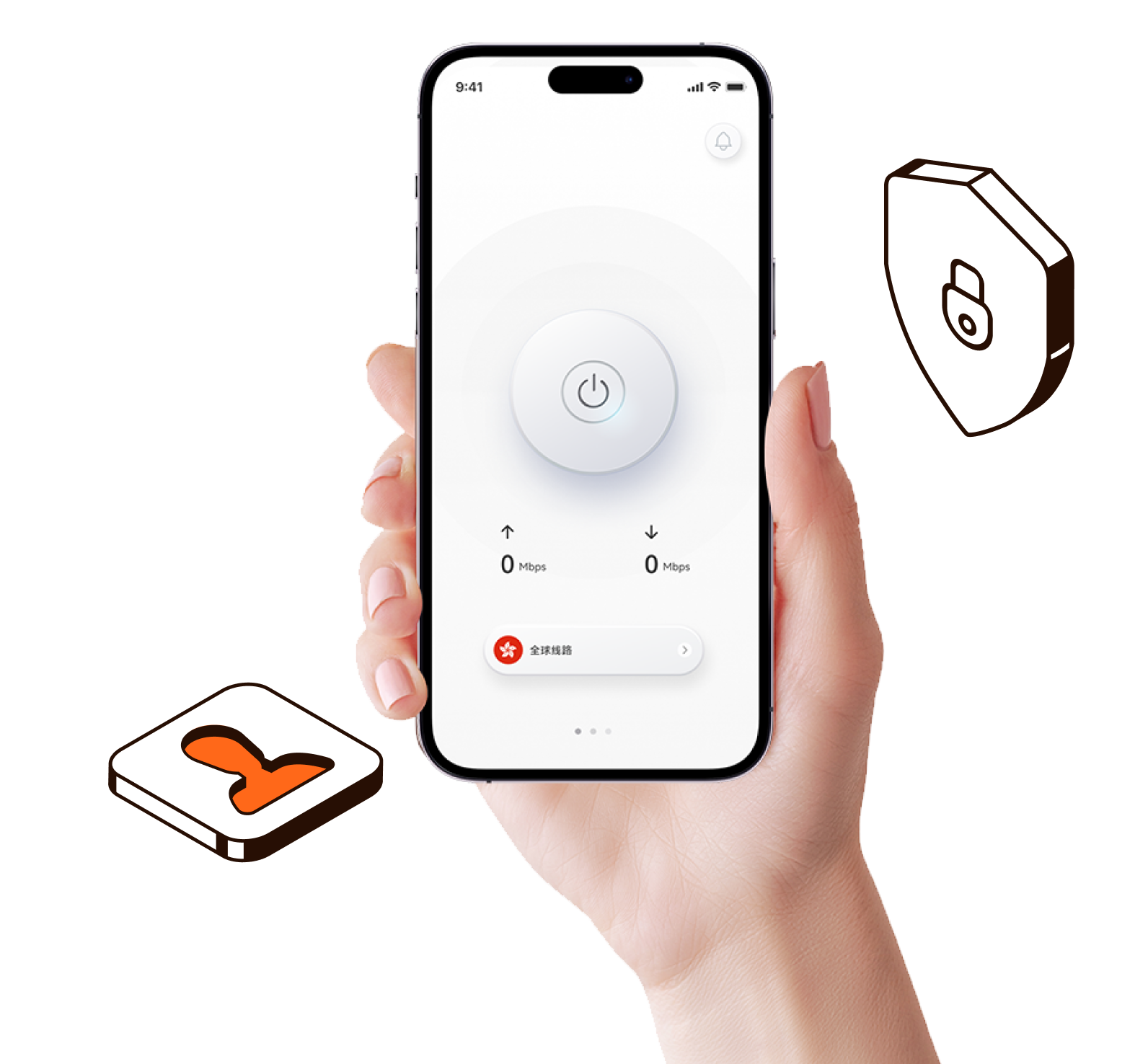
Once a VPN is activated,
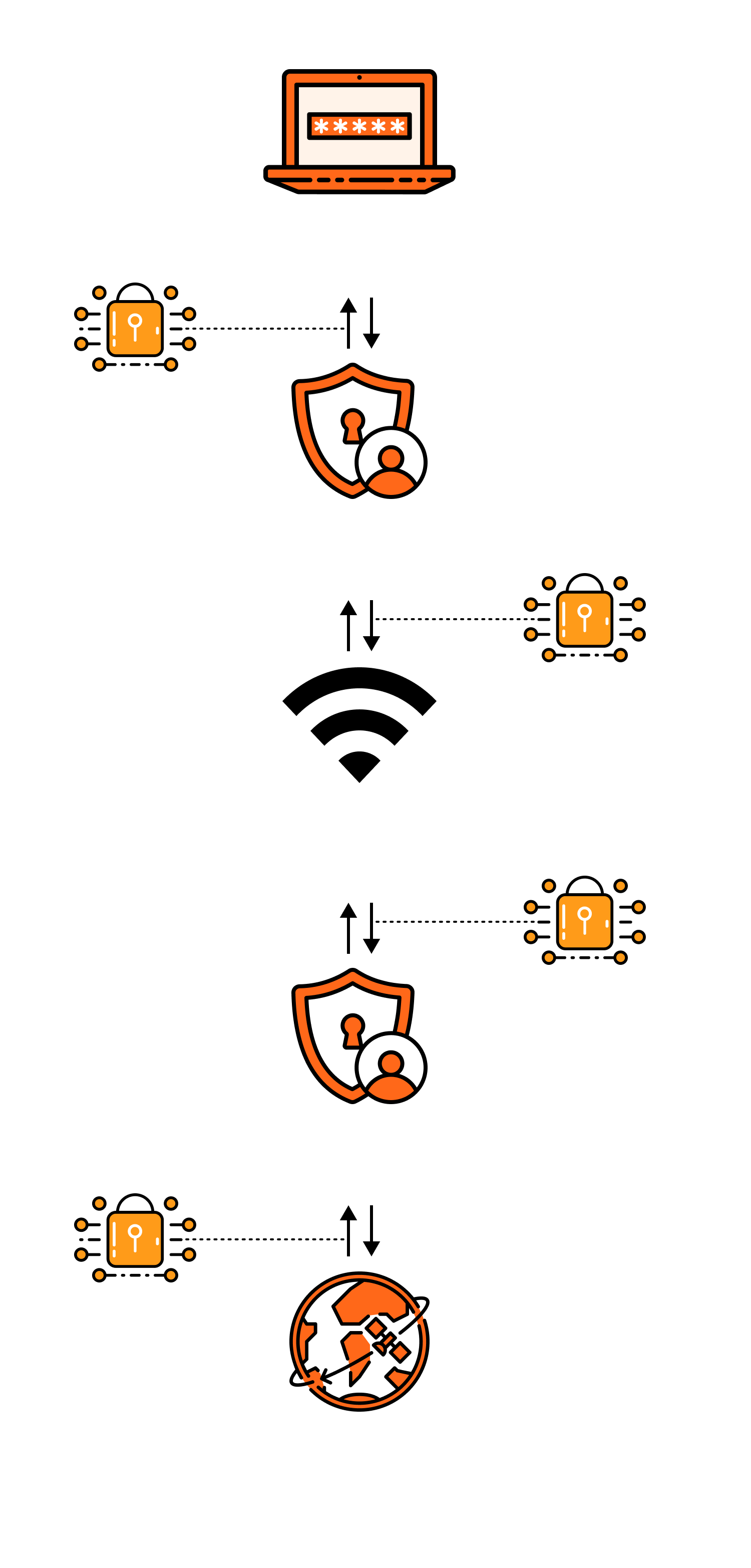
it connects to a VPN server, encrypts and reroutes your network connection, and then encrypts the data through a "private tunnel" before the server accesses the internet on your behalf.
The result is that your real IP is less likely to be exposed, network transmission is more secure, and in some network environments, it may be more stable and smooth.
-
Establish a secure connection
When you activate a VPN, the client first "handshakes" with a VPN node server, completes identity verification, and negotiates encryption methods and session keys. This process is akin to setting up a reliable channel first, ensuring that subsequent data transmission has unified security rules.
-
Encrypt and encapsulate data
Once connected, all network requests from your device (such as opening a webpage, logging into an account, watching videos) are encrypted by the VPN client and "encapsulated," transmitted through the network like a secure package. At this point, even if someone intercepts the data in public Wi-Fi, shared networks, or complex routes, it is difficult to read the actual content, thereby reducing the risk of being monitored or hijacked.
-
Server proxy access and exit replacement
After the VPN server receives your encrypted data, it first decrypts it, then accesses the target website/service on your behalf, and encrypts the returned data back to you. To the website, your access source appears as the VPN server's IP, not your device's real IP. Many reliable VPNs also incorporate DNS protection, kill switch mechanisms, etc., to prevent "real IP leakage when disconnected," further enhancing privacy and security.